ChatGPT Photo "Codes" Aren't Real: 5 Styles That Work and How to Keep Your Face
Those /ghostwalk-style ChatGPT codes aren't commands. Here are 5 styles, why faces drift, and the one line that fixes it.

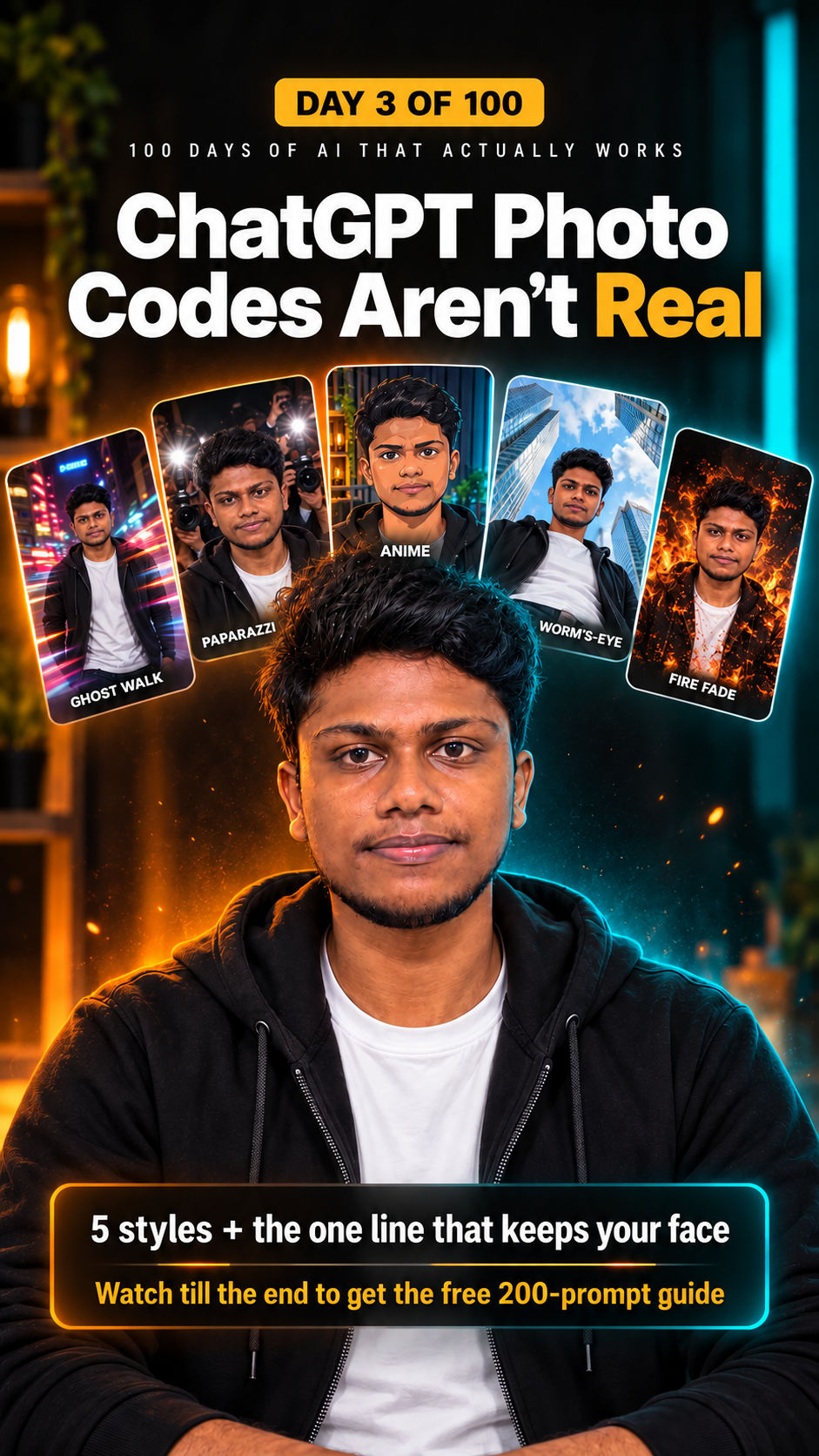
Those viral ChatGPT photo "codes" such as /ghostwalk or /firefade are not secret commands. ChatGPT simply reads the words as a style request and fills in the rest. This guide shows five styles that work well as starting points, why results vary, and the one line that keeps your face looking like you.
Tested by Zeblio on 26 October 2026 using ChatGPT image generation and a single portrait photo. Results vary between attempts and model versions.
What the "codes" actually are
There is no official list of slash commands for ChatGPT image styles. When you attach a photo and type a short phrase such as "/anime", the model treats it as an instruction and guesses everything you did not say: lens, lighting, setting and how closely to follow your face. That guessing is why the same two words can give a different result every time.
Short phrases are a fast way to explore. For results you can repeat, a full prompt works better.
5 styles worth trying
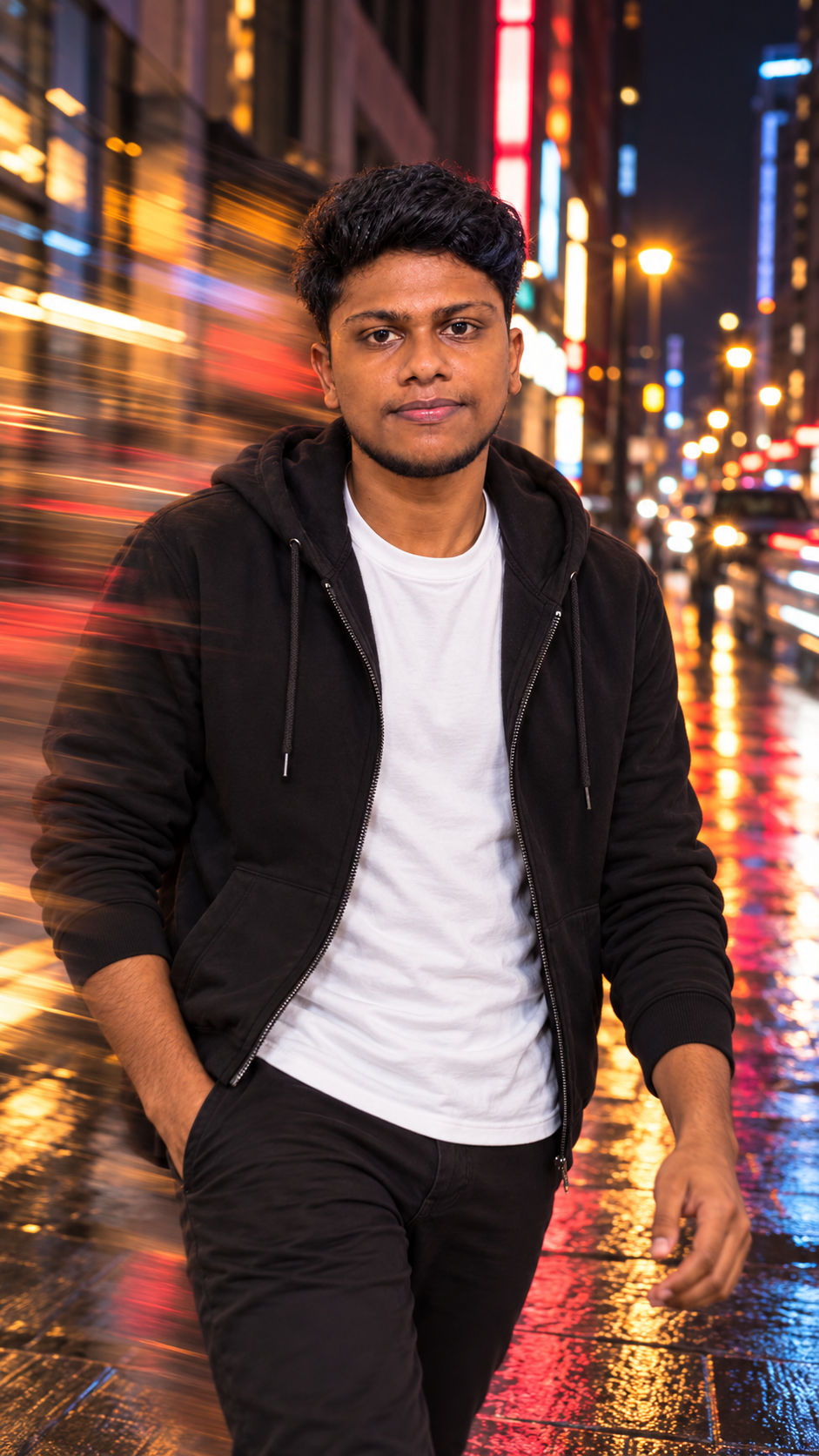
1. Ghost walk
You walking through a night city street with a long-exposure motion trail behind you, while your face stays sharp. Moody and cinematic.
2. Paparazzi editorial
A candid night shot with harsh on-camera flash, grain and slight motion blur, as if photographers caught you outside a restaurant.
3. Anime
A hand-drawn version of your photo with clean line art and cel shading, keeping your pose and outfit.
4. Worm's-eye wide
The camera sits on the ground looking up through an ultra-wide lens, so you tower over the frame.
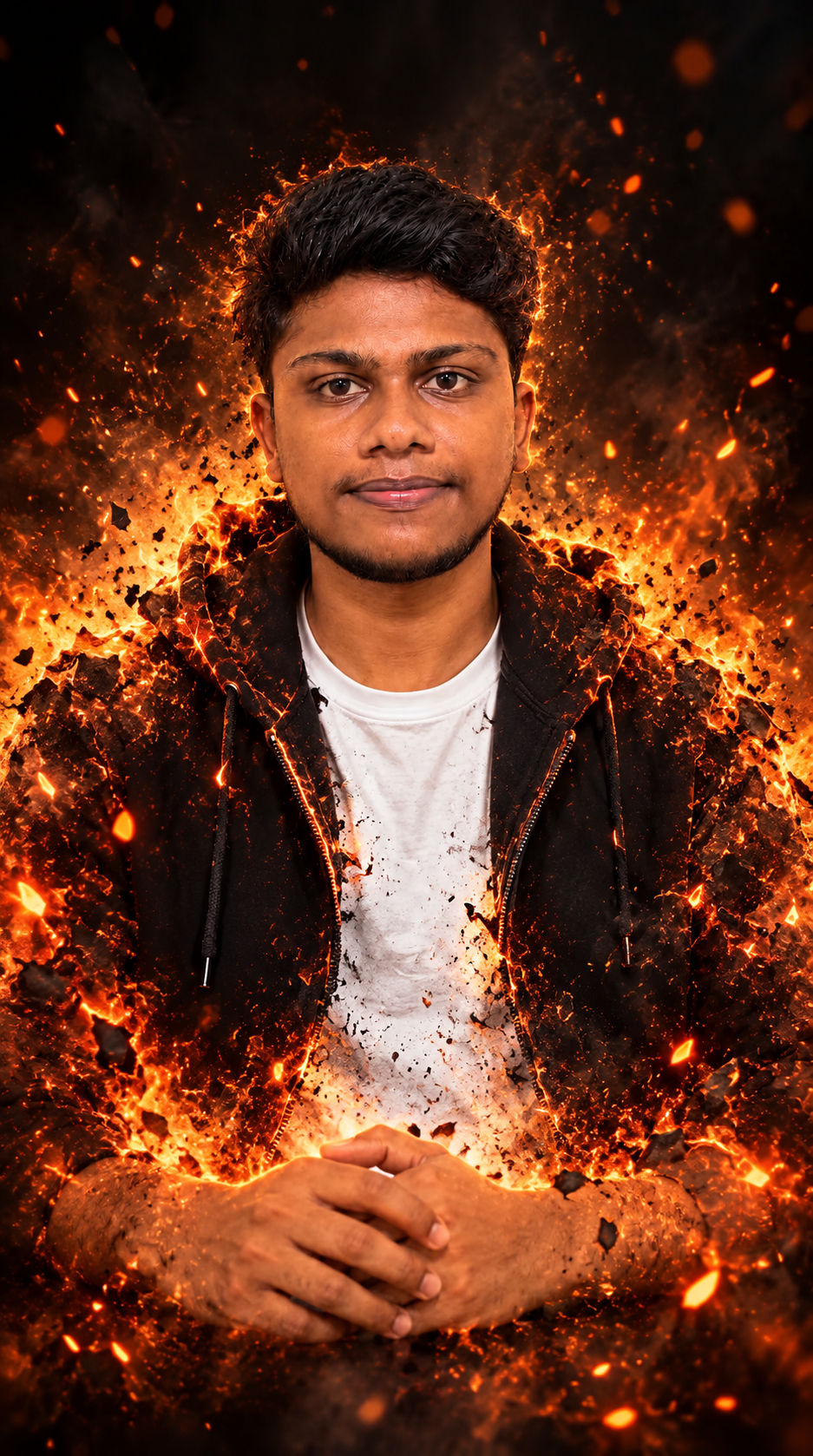
5. Fire fade
The edges of your body dissolve into embers and sparks against a dark background. Striking, but not one for your professional profile photo.
Why faces drift, and the fix
Image models rebuild the whole picture, including your face. Without an explicit instruction they may smooth skin, change face shape or age you. In our tests, adding a face-lock line made the results noticeably closer to the original, though no prompt guarantees a perfect match.
Use this structure:
Use my uploaded photo. Recreate it as [STYLE / SCENE],
shot with [LENS], lit by [LIGHT], mood: [MOOD].
Keep my face exactly the same: same facial features, face shape,
skin tone, eyes, nose, lips, hairline and beard.
Do not beautify, age, slim or reshape me.
Limits to know
- Results vary. Expect to regenerate two or three times.
- Likeness is improved, not guaranteed. Compare every result with your original photo.
- Plan limits apply. Image generation and uploads depend on your ChatGPT plan.
- Consent and labels. Only edit photos of yourself or people who agreed, and switch on AI labels where platforms offer them.
- Avoid brands and logos. Prompts that ask for real logos or trademarked characters often fail or create rights issues.
FAQ
Are ChatGPT slash codes real?
No. They are shorthand phrases that ChatGPT interprets as style requests. They are not documented commands.
How do I stop ChatGPT changing my face?
Add an explicit face-lock line describing what must stay the same, and attach a clear, well-lit photo. Regenerate if it still drifts.
Can I use these images commercially?
Check OpenAI's current terms and avoid real brands, logos and other people's likeness without permission.
Get all 200 prompts
We turned 200 styles into full copy-ready prompts, each with the face-lock line built in. Comment STYLES on our Instagram reel and we will send you the free guide.
Watch this episode
- Instagram: SOCIAL_IG
Sources
- Kapwing: How to use the ChatGPT image generator (2026)
- Android Authority: ChatGPT image styles teardown (July 2025)
Disclosure: the avatar in our video and the example images are AI-generated from the creator's own photo and voice.
Follow discussion on official channels
Opens in a new tabWritten by Niwas
The Zeblio team shares insights, guides, and resources to help businesses leverage technology for growth and efficiency.
Related Articles
View all posts
Ready to Implement AI in Your Team?
Zeblio helps you integrate the right AI tools and workflows to achieve real results.