
The counter software that never stalls under rush hour.
Engineered for high-volume retail counters and busy restaurants. Sub-3s thermal checkout, dynamic customer UPI QR, synchronized kitchen displays, and live owner revenue telemetry.
What the billing counter actually needs.
Counter operators don't need complex clicks. They need sub-second touch response, zero lag, and hardware that never drops offline.
Sub-3-Second Checkout
Ergonomic high-density touch keys, rapid numeric search, and tactile hotkeys designed specifically for rush hour cashier speed.
Dynamic UPI QR on Screen
Bill totals automatically generate a dynamic UPI QR code on the customer display, verifying payments without manual entry.
Hardware Integration
Seamless zero-lag connection to USB and network ESC/POS thermal receipt printers, electronic barcode scanners, and cash drawers.
Electronic Weighing Sync
Direct RS-232 and USB scale reading for sweet shops, grocery counters, and bakeries selling produce by gross or net weight.
GST-Compliant Tax Invoices
Pre-configured 5%, 12%, and 18% GST tax rate calculations, HSN master catalog, and audit-ready tax invoice numbering.
Cash Drawer Reconciliation
Automated opening float logs, petty cash expense entries, and end-of-shift drawer balancing to eliminate cashier discrepancies.
How Zeblio POS powers the entire store.
Synchronized stations working as one unified engine with zero cross-terminal interference.
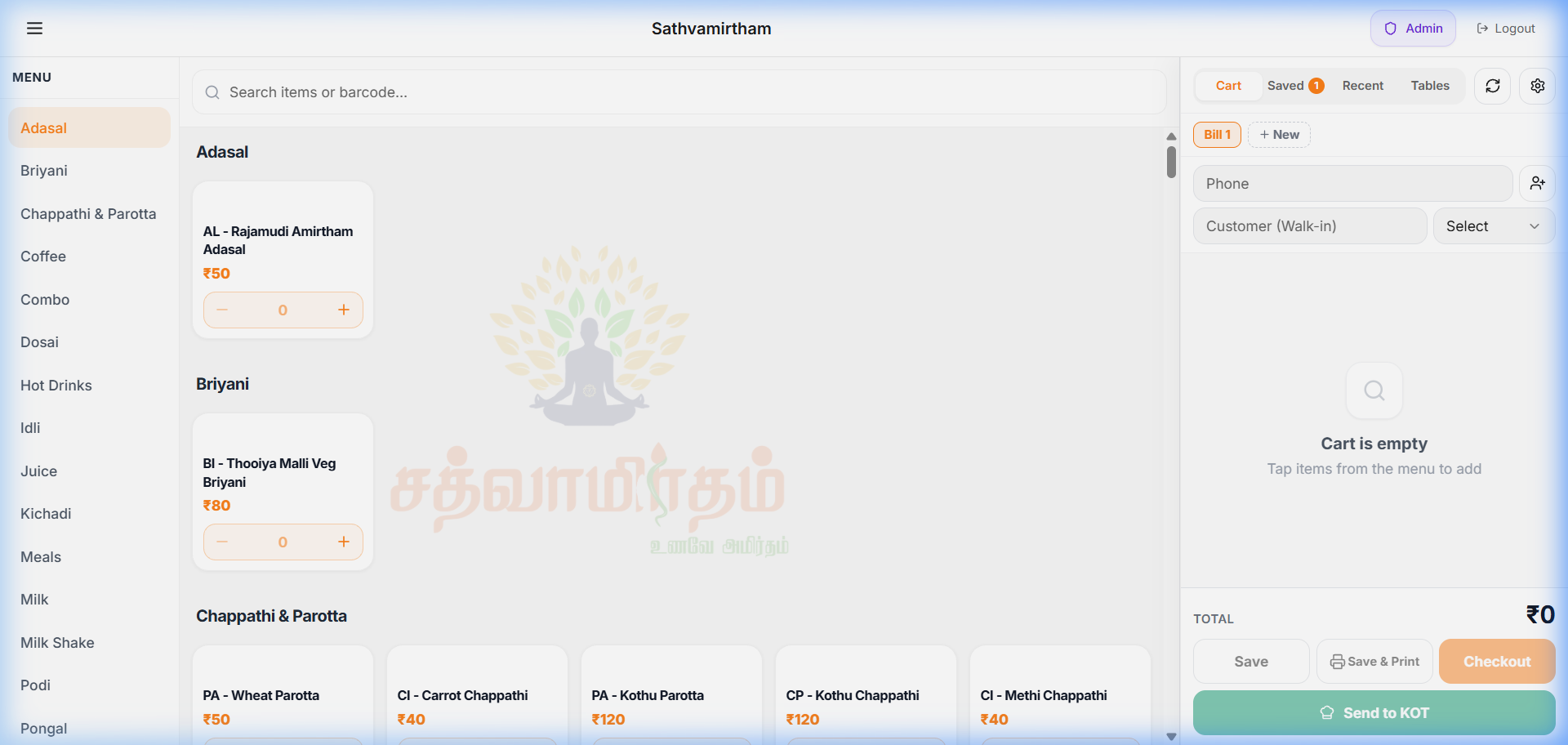
High-Speed Cashier Terminal
Cashiers search items, apply customer discounts, split tender modes (Cash / UPI / Card), and trigger instant thermal receipts in under 3 seconds.
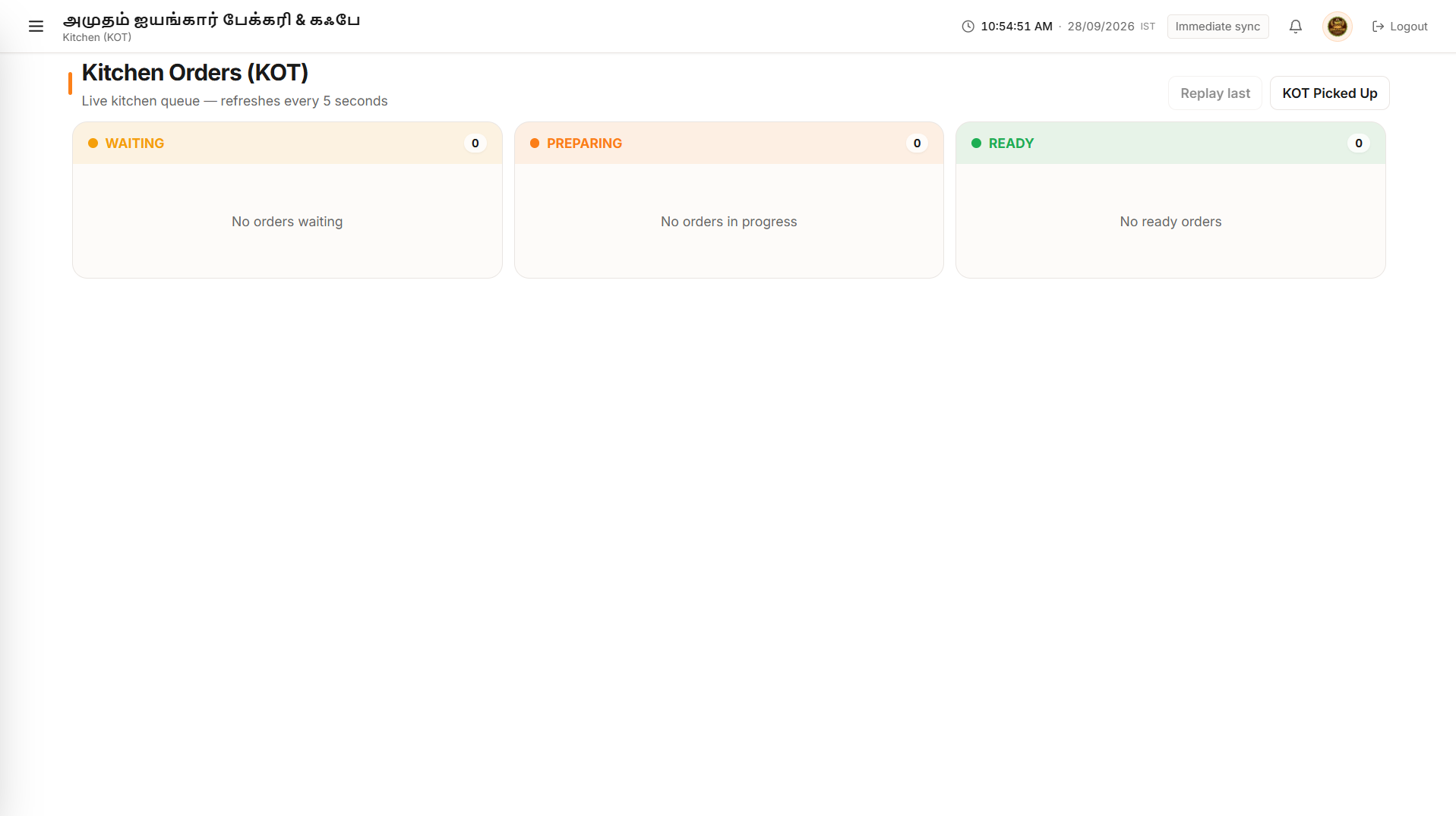
Digital Kitchen Display (KDS)
Orders punch automatically to kitchen stations with color-coded preparation timers and course routing, eliminating lost paper KOT slips.
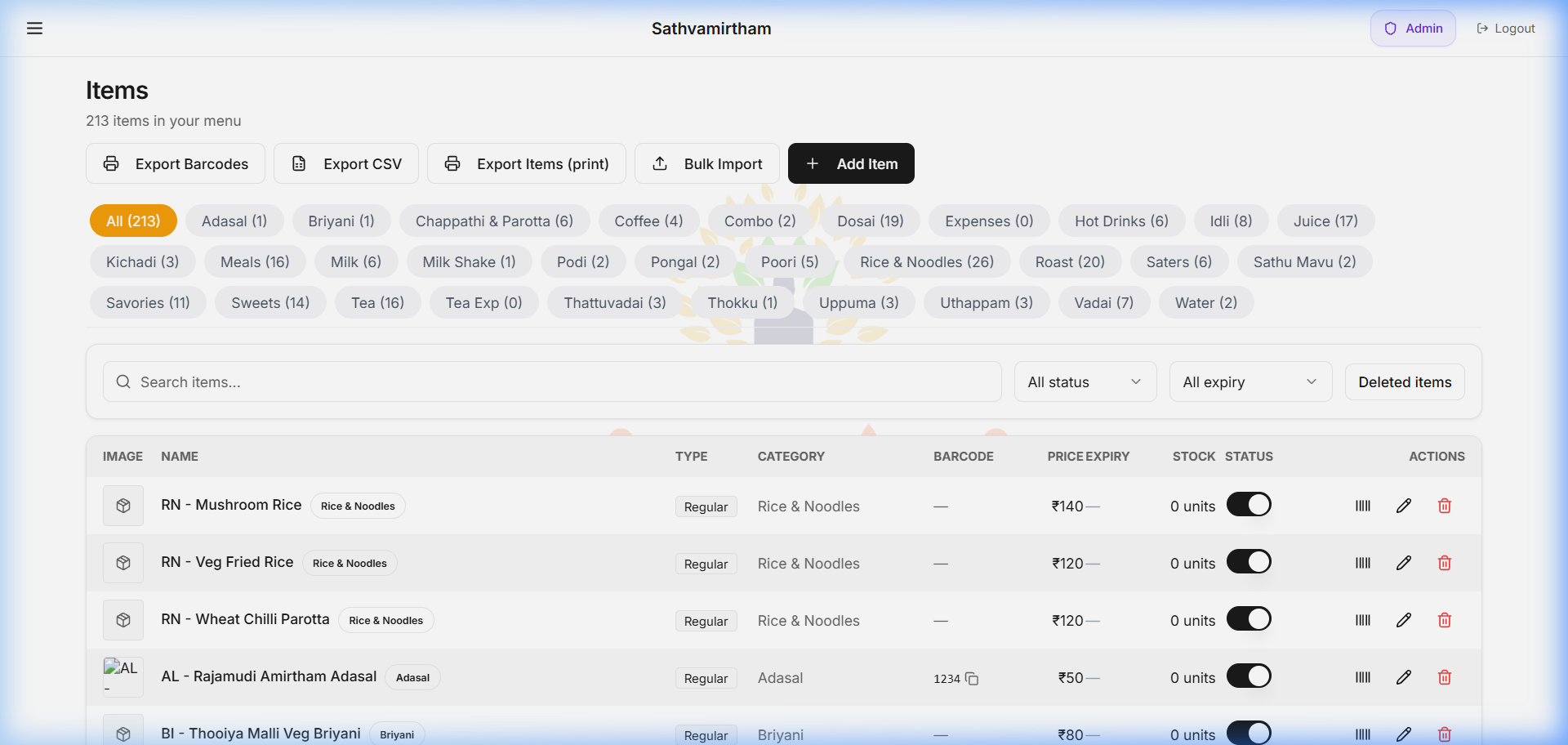
Instant Menu & Price Control
One-tap availability toggles for 86'd dishes, bulk price changes, recipe ingredient mapping, and multi-printer routing rules.
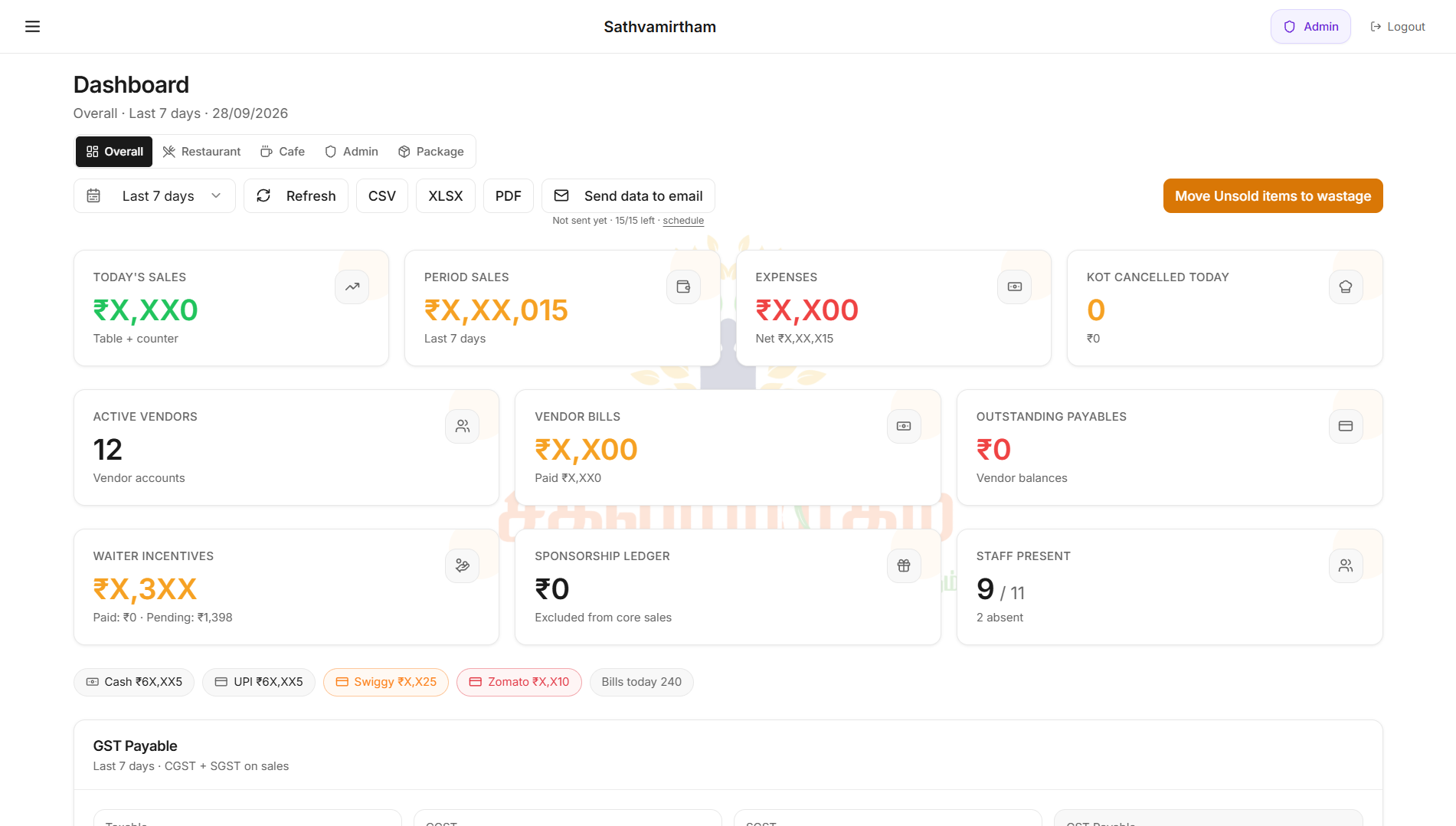
Executive Revenue Oversight
Store owners monitor real-time sales numbers, payment breakdown, table occupancy, and shift closures live on any smartphone.
Straightforward pricing for every counter size.
Start with a 7-day full-feature trial on the web app. Upgrade to add native devices and additional counters anytime.
Frequently asked questions.
Clear details on hardware, offline behavior, trials, and isolation.
What hardware does Zeblio POS support?
Zeblio POS works with standard POS hardware: 2-inch and 3-inch ESC/POS thermal printers (USB and Ethernet), USB/Bluetooth 1D & 2D barcode scanners, RS-232 weighing scales, and standard RJ11 cash drawers.
Do I need to install heavy desktop software?
No. Zeblio POS runs smoothly in modern web browsers (Chrome, Edge) on your existing Windows PC, Mac, Linux desktop, or touchscreen POS terminal.
How does the 7-day free trial work?
When you sign up, your store database is provisioned with a 7-day full-feature trial on the web app. You can configure your menu, test billing, and connect hardware right away. Trial users operate through the web app with 0 registered native devices until an active subscription is started.
Are customer and store databases isolated?
Yes. Every customer installation runs with dedicated database isolation and structured backups. Your financial data, menu, and sales ledger are never shared across tenants.
What are the Packages and Cafe add-ons?
The Packages module adds bulk catering and advance booking management. The Cafe module enables floor captain table ordering, waiter handheld terminals, and live kitchen display system (KDS) screens.
Ready to eliminate counter billing queues?
Start your 7-day free trial right now. Enter your store information to request owner authorization and activate your dedicated environment.